How to Convert MP3 Audio to Text Online with AI (Fast & Accurate)
Convert MP3 recordings, podcasts, and interviews into accurate text, Word docs, and PDFs in seconds. Complete 2026 speech-to-text guide.
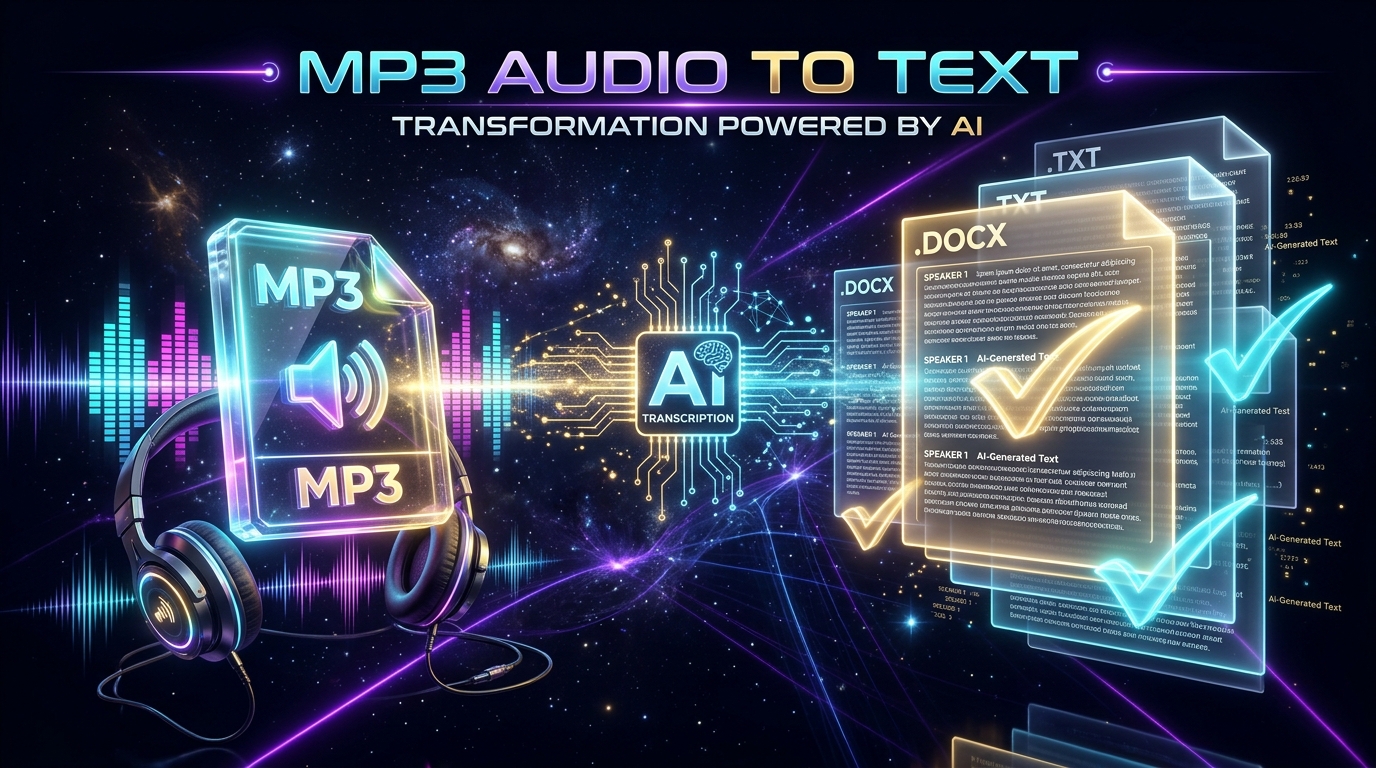
The MP3 format is the global standard for recorded voice memos, interviews, lecture series, and studio podcasts. However, audio recordings trapped inside an .mp3 file cannot be indexed in search engines, quoted easily in research papers, or converted into structured corporate reports without being transcribed into text first.
In this guide, you will learn how to convert any MP3 audio file into clean, formatted text using AI speech recognition in under a minute.
Why Use AI to Convert MP3 to Text?
Human transcriptionists charge an average of $1.25 to $2.50 per audio minute and take 24 to 48 hours to return finished work. AI speech-to-text engines:
- Transcribe in Real-Time: 1 hour of high-bitrate MP3 audio is processed in under 30 seconds.
- Reduce Costs by Over 90%: Automated subscriptions or pay-per-minute bundles cost pennies compared to manual services.
- Accurately Separate Speakers: Modern speaker diarization distinguishes between multiple interviewees with timestamp markers.
Step-by-Step: Converting MP3 to Text with Peguei o Texto
Step 1: Prepare Your MP3 File
Ensure your recording is saved on your computer, smartphone, or tablet. Peguei o Texto supports MP3 files of up to 2GB, making it ideal for everything from 2-minute voice clips to 3-hour academic seminars.
Step 2: Open the MP3 Converter
Go to Peguei o Texto MP3 to Text Converter.
Step 3: Drag and Drop Your File
Click the upload area or simply drag your .mp3 file into the designated box.
Step 4: Download Your Formatted Output
Once the AI finishes transcription, select your preferred download format:
- .DOCX (Microsoft Word): Pre-formatted with headings, paragraphs, and speaker tags ready for editing.
- .PDF: Clean, branded document ideal for printing or distributing to clients.
- .TXT: Lightweight plain text for fast note-taking tools like Notion and Obsidian.
- .SRT: Synchronized subtitles if your audio corresponds to an edited video timeline.
3 Tips for Maximum MP3 Transcription Accuracy
- Minimize Background Murmur: If recording interviews in public venues, use a directional lapel or shotgun microphone to isolate the primary voice.
- Avoid Audio Clipping: Ensure recording levels do not peak into the red distortion zone.
- Keep Original Sample Rates: Avoid heavily compressing your MP3 below 128 kbps before transcription, as higher frequency detail helps neural networks distinguish soft consonant sounds.
Convert Your MP3 Files Today
Experience the speed of next-generation speech-to-text. Convert your first MP3 audio file into text for free with Peguei o Texto and get 5 free minutes immediately on signup.
Transcribe your first audio or video in seconds
Upload MP3, WAV, Zoom recordings or paste any YouTube link. Test our AI with 5 free minutes and experience studio-grade accuracy!
Start Free on Peguei o TextoRelated Articles
Continue reading other guides in this category