How to Transcribe YouTube Videos to Text (Free Online AI Guide 2026)
Learn the fastest and most accurate ways to transcribe YouTube videos and Shorts into text, executive summaries, and CapCut subtitles (.SRT) with AI.
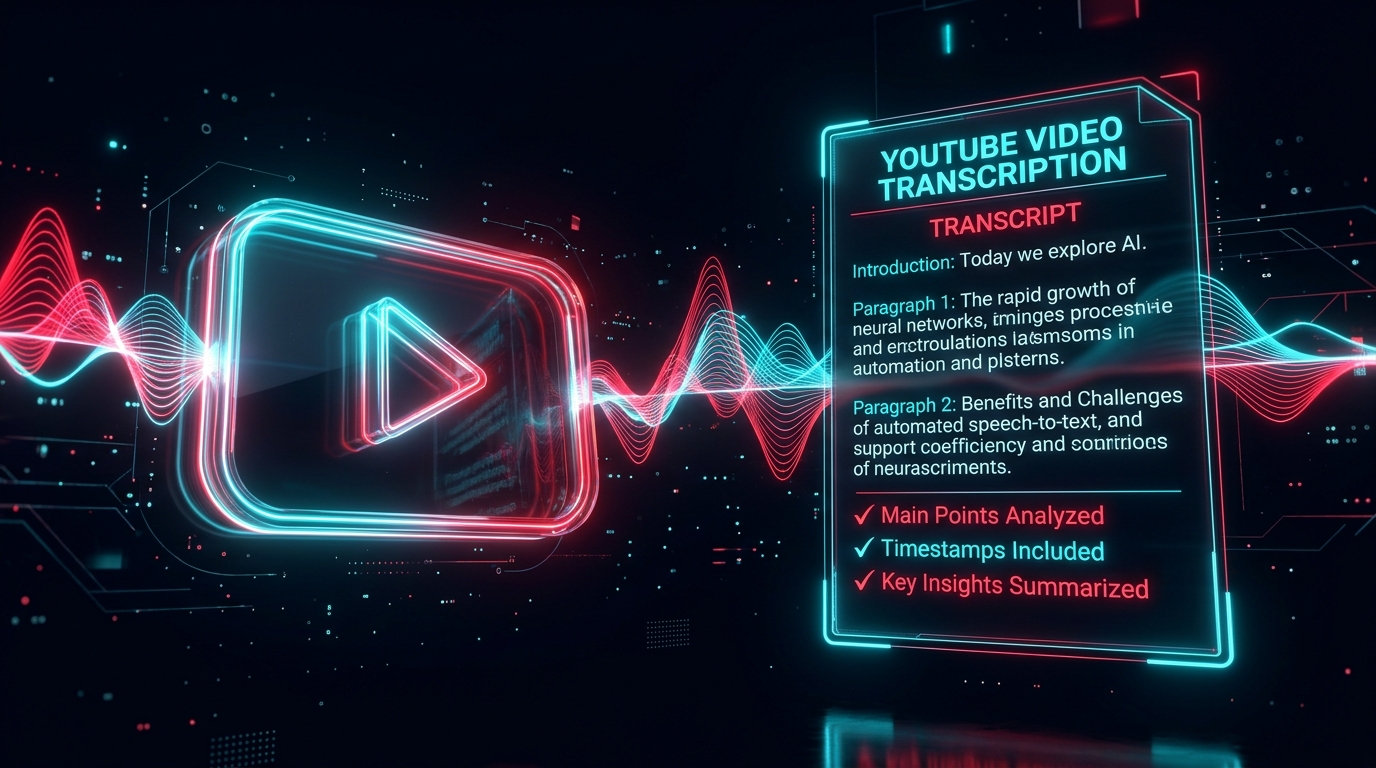
Transforming video content into readable, searchable text has become one of the most effective strategies for digital creators, researchers, journalists, and students. Whether you want to repurpose a 40-minute podcast into a blog post, extract quotes from a tech review, or generate synced subtitles for social clips, manually typing every spoken word is an enormous waste of time.
In this definitive 2026 guide, you will discover how to automatically transcribe any YouTube video or YouTube Short into clean text using modern artificial intelligence.
Why Transcribe YouTube Videos to Text?
Transcription is not just about reading what was spoken—it fundamentally unlocks the value of audio-visual media:
- SEO & Organic Discoverability: Search engines cannot watch video frames, but they crawl and index written transcripts. Publishing transcripts on your website or embedding them in video descriptions drastically boosts keyword rankings.
- Rapid Content Repurposing: A single 20-minute video can quickly become a newsletter, an in-depth article, multiple LinkedIn carousels, and X (Twitter) threads.
- Accessibility & Viewer Engagement: Over 80% of mobile social viewers watch videos without audio. Synced subtitles dramatically increase watch time and retention.
- Faster Studying & Research: Instead of scrubbing through a 2-hour lecture, you can search for exact phrases (Ctrl+F) and read key takeaways in seconds.
Method 1: Automated AI Transcription with Peguei o Texto (Recommended)
The fastest and most accurate approach is using a dedicated online AI transcription service like Peguei o Texto.
Step 1: Copy the YouTube Video URL
Navigate to YouTube on your phone or computer. Click the Share button under the video and copy the link (e.g., https://www.youtube.com/watch?v=... or https://youtu.be/...). It works seamlessly with regular videos, unlisted links, and vertical YouTube Shorts.
Step 2: Paste the Link into Peguei o Texto
Open Peguei o Texto YouTube Transcription in your browser. Paste the link into the URL input bar.
Step 3: Click Transcribe
Our state-of-the-art neural speech-to-text models process audio up to 100x faster than real-time. A 10-minute video is transcribed in under 15 seconds with up to 99.2% accuracy, including natural punctuation, capitalization, and speaker separation.
Step 4: Export to Your Preferred Format
Once processed, you can immediately download your transcript in:
- .TXT: Plain text ready for copy-pasting into Notion, Word, or Google Docs.
- .SRT / .VTT: Time-stamped subtitle files ready to drop straight into CapCut, Premiere Pro, DaVinci Resolve, or Final Cut.
- .DOCX / .PDF: Formatted executive reports with clickable chapter timestamps.
Method 2: YouTube's Built-in Automated Transcript
YouTube provides an automated caption viewer for many videos, although with notable limitations:
- Open the video on desktop.
- Click the "... More" button under the video title description.
- Select "Show transcript".
- A transcript sidebar will open on the right showing timestamps and spoken words.
Limitations of Built-in Captions:
- No Punctuation: Native YouTube auto-captions lack periods, commas, question marks, and paragraphs, making long text exhausting to read.
- High Error Rates: Misinterprets technical jargon, industry slang, and regional accents.
- Manual Copying: You must manually highlight and copy hundreds of fragmented lines, often copying timestamp numbers alongside the words.
How to Turn Transcripts into Viral Social Clips (.SRT)
If you are editing YouTube Shorts, TikToks, or Instagram Reels:
- Download the .SRT file from Peguei o Texto.
- Open CapCut or your editing tool.
- Go to Text > Auto Captions / Import Subtitle.
- Select the
.srtfile. All text blocks will automatically align with the speaker's voice down to the millisecond. - Apply dynamic styling (bold yellow keywords, punchy animations) to maximize viewer retention.
Summary Checklist
| Feature | YouTube Native Captions | Peguei o Texto AI |
|---|---|---|
| Punctuation & Grammar | ❌ None | ✅ Complete & Natural |
| Speed | Instant | Under 20 seconds |
| Accuracy | ~75% - 85% | Up to 99.2% |
| Export Formats | Copy-paste only | .TXT, .DOCX, .PDF, .SRT |
| AI Executive Summary | ❌ None | ✅ Key takeaways & action items |
| Privacy Guarantee | Google logs activity | Zero-Retention deletion |
Ready to convert your first video? Try Peguei o Texto for Free and transcribe up to 5 minutes immediately without a credit card.
Transcribe your first audio or video in seconds
Upload MP3, WAV, Zoom recordings or paste any YouTube link. Test our AI with 5 free minutes and experience studio-grade accuracy!
Start Free on Peguei o TextoRelated Articles
Continue reading other guides in this category