How to Convert OGG Audio to Text: WhatsApp Voice Notes to PC (2026)
Learn how to convert OGG and OPUS audio files into accurate text in seconds using AI. Transcribe WhatsApp voice notes, Telegram audio, and PC recordings effortlessly.
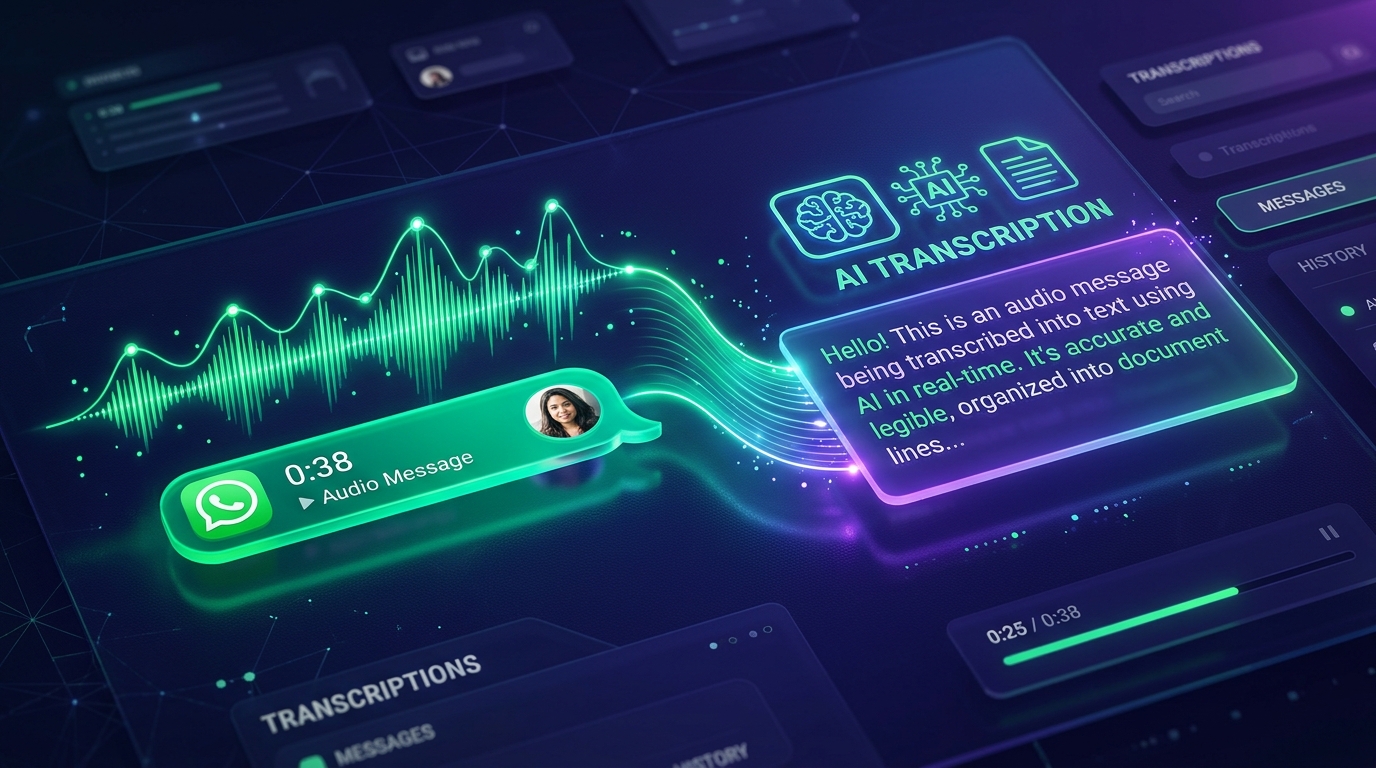
If you have ever downloaded a voice message from WhatsApp Web, saved a voice memo from Telegram, or captured game audio on Discord, chances are you have encountered a file ending in .ogg or .opus.
The frustrating reality is that most standard desktop media players and legacy transcription platforms refuse to open these files, greeting you with the dreaded error: "Unsupported file format".
In this updated 2026 guide, you will discover what the OGG container actually is, why modern messaging giants prefer it, and how to convert any OGG or OPUS audio file directly into accurate, punctuated text in seconds without downloading bloated desktop software.
What Is an OGG File and Why Does WhatsApp Use It?
Direct Definition: An OGG (Ogg Vorbis / Ogg Opus) file is an open-source, patent-free multimedia container managed by the Xiph.Org Foundation. It was engineered specifically to stream high-clarity voice and music at ultra-low bitrates. Because of its incredible compression efficiency, WhatsApp, Telegram, Discord, and Spotify adopt OGG/Opus as their default format to transmit voice notes without eating up mobile data plans.
Comparison Table: OGG/OPUS vs. MP3 vs. M4A
| Characteristic | OGG / OPUS | MP3 | M4A (AAC) |
|---|---|---|---|
| Primary Domain | WhatsApp, Telegram, Discord, Spotify | Universal legacy web audio | Apple ecosystem (iPhone, Mac) |
| Typical Audio Codec | Opus / Vorbis | MPEG-1 Audio Layer III | AAC / ALAC |
| Data Usage (Voice) | Minimal (~0.5 MB/min) | Moderate (~1.5 MB/min) | Compact (~1 MB/min) |
| VoIP & Latency | Near-zero latency | Moderate | Low |
| Native Support in Peguei o Texto | ✅ Native (no conversion required) | ✅ Native | ✅ Native |
Why You Should Never Convert OGG to MP3 First
Many users make the mistake of searching Google for "free OGG to MP3 converter online" before attempting transcription. This outdated workaround introduces three serious problems:
- Severe Privacy Hazards: WhatsApp voice notes often contain private business agreements, passwords, confidential discussions, or sensitive personal details. Uploading these audio files to unverified free converter sites exposes your data to third-party servers.
- Acoustic Quality Loss: The Opus codec is already lossy. Re-compressing an audio file into MP3 discards essential vocal frequencies, leading to higher word error rates when speech AI analyzes the speech.
- Wasted Productive Time: Modern AI transcription platforms like Peguei o Texto accept
.oggand.opusnatively, returning finished text in under 15 seconds.
Step-by-Step: How to Convert OGG Files to Text
Transcribing saved OGG voice notes into clean, readable text takes four quick steps:
Step 1: Save Your OGG File
- On WhatsApp Web / Desktop: Click the arrow next to a voice note and click "Download";
- On Telegram: Right-click the voice message and choose "Save Voice Message As...";
- On Android Devices: Access your file manager in the WhatsApp media folder.
Step 2: Open Peguei o Texto
Open your browser and navigate to our Transcribe WhatsApp tool or the Peguei o Texto Homepage.
Step 3: Upload Your OGG File
Drag and drop the .ogg or .opus file directly into the upload area. Our system automatically recognizes the codec.
Step 4: Copy or Export the Output
Within seconds, our Whisper-based neural speech engine outputs punctuated paragraphs with smart capitalization:
- Copy the transcript with a single click;
- Download formatted files as Word (.docx) or Plain Text (.txt).
Frequently Asked Questions (FAQ)
Does Peguei o Texto support files ending in .opus?
Yes! The .opus extension is simply the state-of-the-art Opus codec packaged inside the OGG container. Both .ogg and .opus files are supported natively.
Can I transcribe WhatsApp voice notes directly inside WhatsApp?
Yes! You can forward voice notes directly to our service inside WhatsApp without needing to download files to a computer first. Check our guide on How to Transcribe WhatsApp Voice Notes.
Does AI handle background noise and street traffic in OGG recordings?
Yes. Our AI models incorporate intelligent voice isolation algorithms that distinguish human vocal cords from passing traffic, ambient cafe chatter, and microphone wind distortion.
Conclusion: Transcribe OGG Voice Notes in Seconds
Do not waste time struggling with media players or ad-heavy conversion sites. The OGG format is modern, ultra-efficient, and with Peguei o Texto, converts into structured text in the blink of an eye.
Visit Transcribe WhatsApp on Peguei o Texto and convert your first OGG recording today!
Transcribe your first audio or video in seconds
Upload MP3, WAV, Zoom recordings or paste any YouTube link. Test our AI with 5 free minutes and experience studio-grade accuracy!
Start Free on Peguei o TextoRelated Articles
Continue reading other guides in this category