How to Transcribe WhatsApp Audio Messages into Text in Seconds
Convert long WhatsApp voice notes into instant readable text. Learn how to transcribe audio messages (.ogg, .opus, .m4a) with complete privacy.
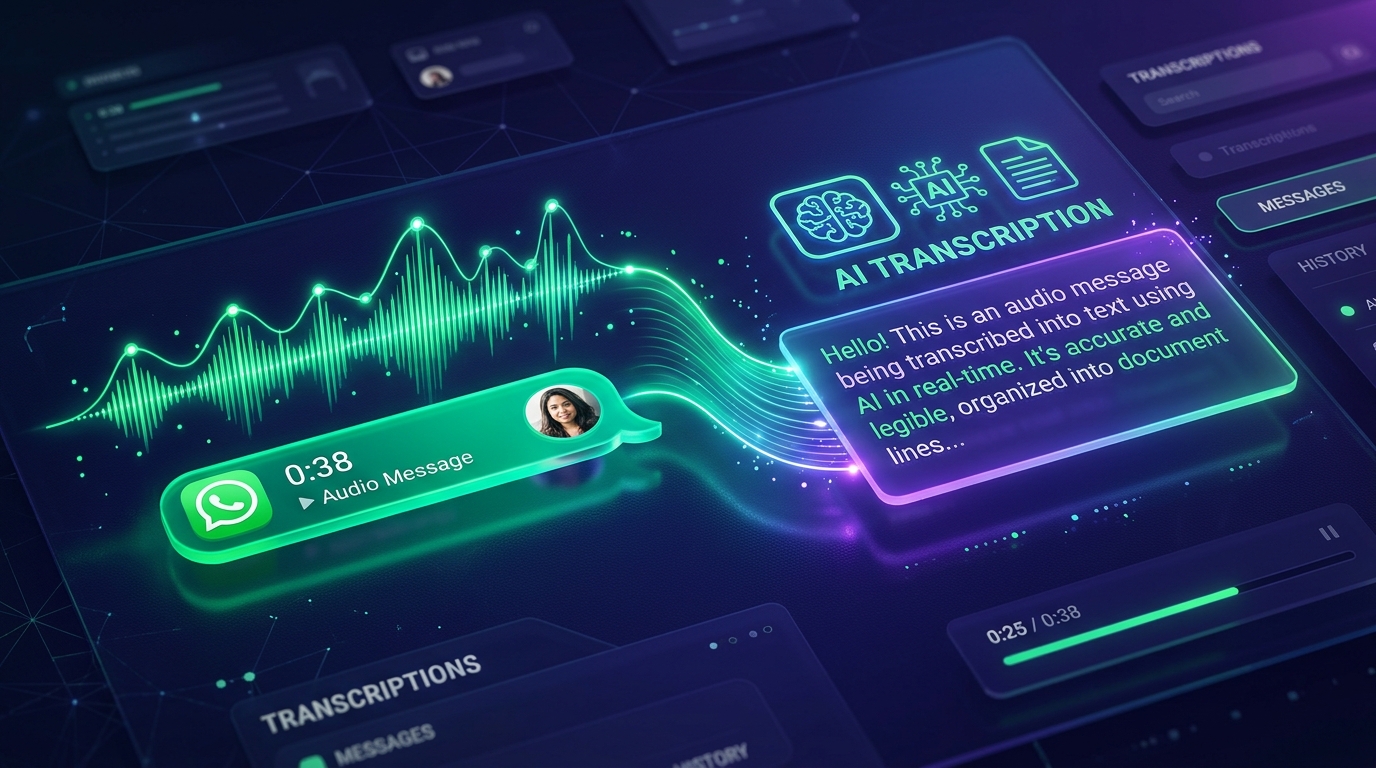
We have all received them: 5-minute, 8-minute, or even 15-minute WhatsApp voice messages during the middle of a crowded commute, a noisy office meeting, or right before a crucial deadline.
Listening to voice recordings in public or taking extensive manual notes while listening repeatedly consumes valuable time. Fortunately, modern AI speech recognition allows you to convert WhatsApp voice notes into clean, organized text in just a few clicks.
In this guide, you will learn the simplest, most secure way to transcribe WhatsApp audio messages on iPhone, Android, and PC.
Why You Should Transcribe WhatsApp Audio
- Quiet Reading in Public: Read important voice notes in classrooms, libraries, or meetings without headphones.
- Searchable Archives: You can quickly search names, numbers, addresses, and deadlines using simple keyword search.
- Professional Work Records: Convert voice discussions with clients, partners, and colleagues into formal email summaries and project documentation.
- Time Savings: Skimming a 300-word transcript takes 20 seconds, whereas listening to a rambling 5-minute voice note takes 300 seconds.
How to Transcribe WhatsApp Audio with Peguei o Texto
Peguei o Texto natively handles voice recordings generated by messaging platforms, including .ogg, .opus, .m4a, and .mp3.
Step 1: Export the Audio File from WhatsApp
- On iPhone: Tap and hold the voice message > Tap Forward > Tap the Share icon in the bottom right corner > Tap Save to Files.
- On Android: Tap and hold the audio message > Tap the three dots in the top right corner > Tap Share > Save to device storage or your Google Drive.
- On WhatsApp Web / Desktop: Click the downward arrow on the voice message bubble > Click Download.
Step 2: Upload to Peguei o Texto
Navigate to Peguei o Texto WhatsApp Transcription. Select the Upload Audio File option and choose your downloaded audio message.
Step 3: Get Instant Text & Summary
Within seconds, our AI engine transcribes the message with:
- Natural sentence punctuation and capital letters.
- High accuracy even with informal colloquial speech, regional slang, or faint background noise.
- An optional AI Executive Summary outlining the main takeaways, decisions, and requested actions.
Is My WhatsApp Audio Confidential?
When dealing with personal conversations or sensitive corporate voice notes, privacy is paramount.
Unlike public transcription bots that store audio recordings indefinitely or use your conversations to train public machine learning datasets, Peguei o Texto enforces an architecture of Zero-Retention:
- Audio files are processed in isolated, encrypted memory buffers.
- All temporary audio data is permanently deleted from our servers immediately after transcription delivery.
- Full compliance with international privacy and LGPD standards.
Final Thoughts
Stop dreading long voice notes. Bookmark Peguei o Texto WhatsApp Transcription on your mobile home screen to turn any audio message into organized, actionable text in seconds.
Transcribe your first audio or video in seconds
Upload MP3, WAV, Zoom recordings or paste any YouTube link. Test our AI with 5 free minutes and experience studio-grade accuracy!
Start Free on Peguei o TextoRelated Articles
Continue reading other guides in this category