How to Transcribe Meetings to Text and Generate AI Meeting Minutes (2026 Guide)
Learn how to transcribe Google Meet, Zoom, and Microsoft Teams meetings into text. Generate automatic minutes, executive summaries, and action checklists with AI in seconds!
How many hours per week do you or your team spend rewatching call recordings just to draft meeting minutes or verify who was assigned to a specific task?
According to recent corporate efficiency benchmarks, professionals in leadership, project management, and consulting spend an average of over 12 hours weekly in virtual meetings, and dedicate another 3 to 5 hours typing manual meeting notes.
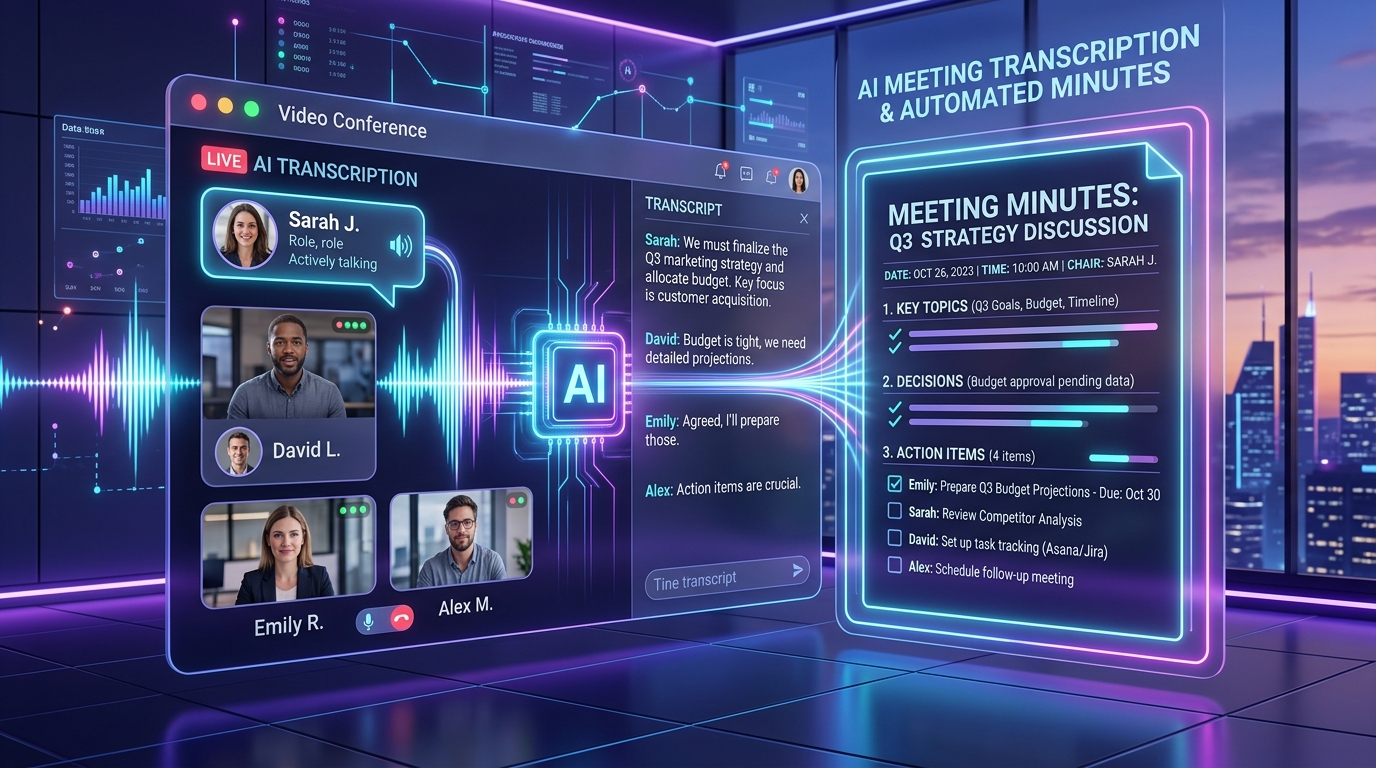
The great news is that learning how to transcribe meetings with modern Artificial Intelligence tools has eliminated this manual chore. In less than 1 minute, a 1-hour call on Google Meet, Zoom, or Microsoft Teams is converted into a punctuated text transcript, complete with an Executive Summary and an actionable Checklist.
In this comprehensive guide updated for 2026, you will discover the step-by-step process to transcribe meetings to text, compare the leading tools on the market, understand data confidentiality standards, and see how to export professional minutes directly to Word or PDF.
Quick Answer: How to transcribe meetings in 3 simple steps
If you already have your meeting recording and need minutes ready to send to your team right now:
- Locate your recording file: Download the video or audio file (
.mp4,.m4a,.webm, or.mp3) generated by Google Meet, Zoom, or Teams. - Upload to Peguei o Texto: Open the specialized AI Meeting Transcription tool and drag your recording into the uploader.
- Generate Minutes & Summary with 1 click: The neural engine transcribes every speaker with punctuation and lets you click "AI Summary" to produce agreed decisions and pending action items exportable to Word (.docx) or PDF.
💡 Save hours today: Test free with your latest meeting recording. Click here to transcribe your meeting.
Why transcribing meetings is a game-changer for team productivity
Transcribing business calls is not just about keeping an archive. Automatic transcription turns static audio into searchable, actionable data:
- Instant Keyword Search (
Ctrl + F): Remember when a client approved a budget at minute 37? Instead of scrubbing through a video timeline guessing where it happened, type the keyword and find the exact quote in 1 second. - Eliminate "I never agreed to that": Clear written records prevent misunderstandings between co-founders, clients, vendors, and team members, establishing a single source of truth.
- Accelerated Team Onboarding: When a new team member joins a project, they can read a 5-minute digest of the last strategic meetings instead of spending days listening to old calls.
- Accessibility and Inclusion: Enables team members with hearing impairments or those who could not attend live to review all deliberations with full fidelity.
Comparing the best ways to transcribe meetings in 2026
When choosing a meeting transcription solution, consider whether you want intrusive bots joining your calls or clean post-meeting file uploads:
1. Peguei o Texto (Dedicated Web Tool)
- How it works: Simply drag your MP4, M4A, or MP3 file into the browser, or paste meeting URLs. No bots joining your calls.
- Accuracy: 99% accuracy across 90+ languages with neural speaker pauses.
- Privacy: Zero media retention. Audio is deleted immediately following transcription.
- Exports: Formatted Word (.DOCX), PDF, and .SRT subtitles.
2. Built-in Zoom / Teams Live Captions
- Limitations: Built-in captions are often inaccurate, lack proper punctuation, fail on technical jargon, and do not format clean meeting minutes with next steps.
Step-by-Step: From meeting recording to actionable minutes in Word
- Record the call natively in Google Meet, Zoom, or Teams.
- Download the MP4 or audio file from your cloud drive or recording folder.
- Open Peguei o Texto Meeting Transcription, drag the file into the uploader, and select your target language.
- Click "AI Summary" to review the auto-generated decisions, executive brief, and assignee checklist.
- Click "Download Word (.DOCX)" to receive a document ready to distribute to stakeholders.
Summary & Next Steps
Manual transcription of meetings is an unnecessary cost in 2026. With AI speech recognition, you can convert hours of discussions into clear, actionable minutes in seconds.
Try Peguei o Texto Meeting Transcription free and save 90% of the time spent writing meeting notes today!
Transcribe your first audio or video in seconds
Upload MP3, WAV, Zoom recordings or paste any YouTube link. Test our AI with 5 free minutes and experience studio-grade accuracy!
Start Free on Peguei o TextoRelated Articles
Continue reading other guides in this category