How to Transcribe Podcasts to Text: Complete 2026 AI Guide
Learn how to transcribe full podcast episodes into accurate text in minutes using AI. Turn audio from Spotify and YouTube into blog posts, show notes, and summaries.
Whether you host a weekly videocast or you are an avid listener looking to extract insights, key quotes, and study notes from long episodes, transcribing podcasts to text has become one of the highest-ROI productivity workflows on the web.
While audio is unmatched for conversational engagement, it carries a fundamental weakness: search engines like Google cannot crawl or index raw spoken audio. If you don't transcribe your episodes into written words, you miss out on thousands of organic search visitors and force potential listeners to sit through 2 hours of audio just to find a single 30-second answer.
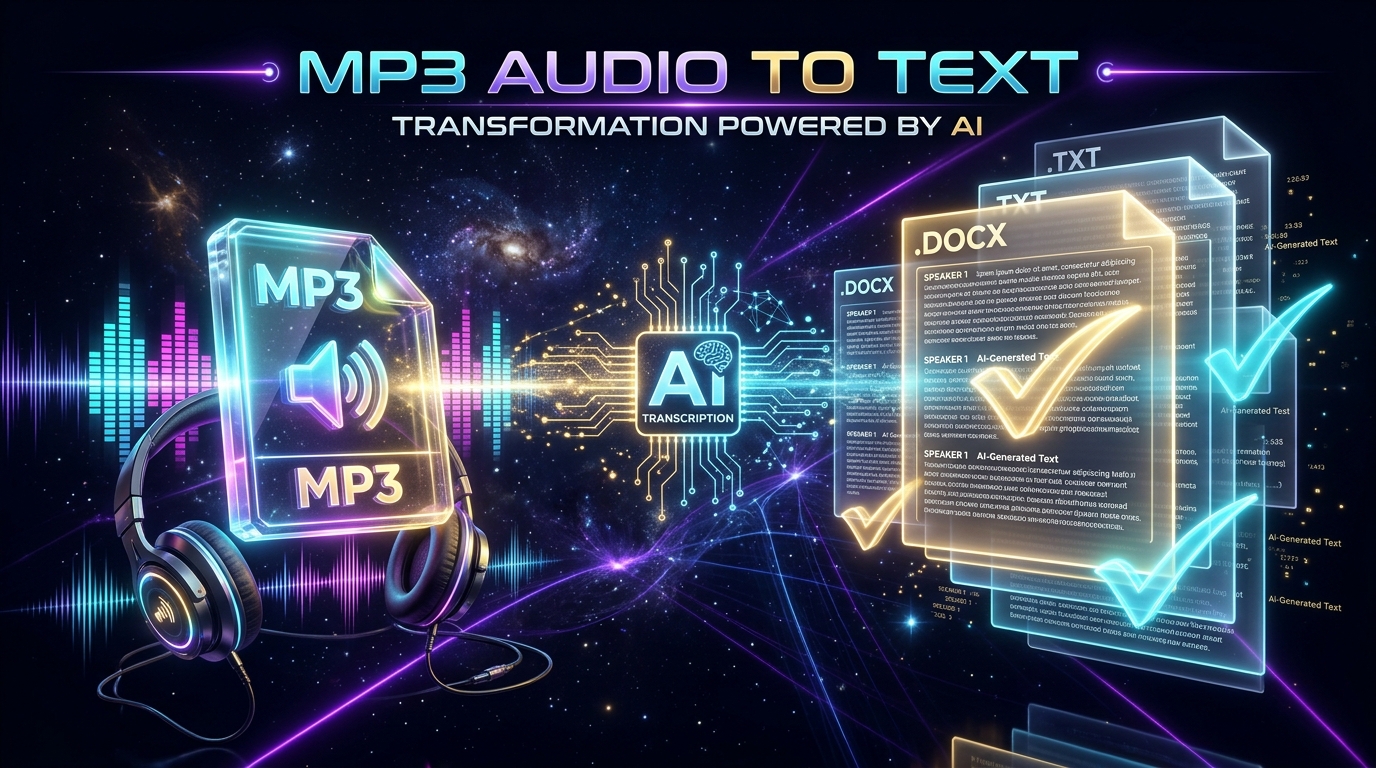
In this updated 2026 guide, you will discover how to convert any podcast episode—from local MP3/WAV files to public YouTube videocast links—into formatted transcripts with timestamps, punctuation, and speaker separation in under 60 seconds.
What Is Podcast Transcription and How Does AI Handle It?
Direct Definition: Podcast transcription is the process of converting an episodic spoken audio stream into clean, readable text. In 2026, driven by neural speech models like OpenAI Whisper and advanced natural language processing (NLP), transcription no longer requires tedious manual typing: AI listens to high-fidelity audio, filters studio acoustics, adds smart punctuation, and outputs text with over 98% accuracy.
Comparison: Methods to Transcribe a 1-Hour Podcast Episode
| Method | Turnaround Time | Estimated Cost | Accuracy | Creator Effort |
|---|---|---|---|---|
| Manual Typing | 4 to 6 hours | Free (your personal time) | Variable (ear fatigue) | Exhausting |
| Human Freelancer | 24 to 72 hours | $40 to $150 per hour | 99% | Low, but high recurring cost |
| Neural AI (Peguei o Texto) | 30 to 50 seconds | Free tier available | 98% to 99% | 1 click (upload or link) |
5 Reasons Every Podcaster Needs Episode Transcripts
1. Organic Search Engine Optimization (SEO)
A standard 60-minute conversational podcast episode contains roughly 8,000 to 12,000 spoken words. Left inside an audio file, those words are invisible to Google, ChatGPT Search, and Perplexity. By publishing the full transcript on your website:
- You rank organically for dozens of long-tail search queries cited during the conversation;
- AI answer engines cite your podcast website as the primary factual source;
- Readers stay on your page longer, boosting search ranking signals.
2. Accessibility & Inclusivity (Hearing Impairments)
Millions of people with hearing loss or auditory processing difficulties consume podcasts exclusively through text transcripts or synchronized video subtitles. Transcripts also serve professionals in quiet office environments or public transit without headphones.
3. Effortless Show Notes and Timestamps
Instead of scrubbing through an audio timeline taking manual notes, AI transcripts provide exact millisecond-accurate timestamps. You can highlight key moments for Spotify and YouTube descriptions in seconds.
4. Content Repurposing (Multiply Your Output)
A single transcribed episode can be effortlessly sliced into:
- 1 comprehensive blog post summarizing the core takeaways;
- 3 to 5 viral LinkedIn and X (Twitter) threads highlighting standout guest quotes;
- 1 weekly newsletter edition sent to your email subscribers;
- Short-form scripts for TikTok, YouTube Shorts, and Instagram Reels.
5. Instant Knowledge Retrieval and Quotes
Search through historical episodes using Ctrl + F to verify exact facts, dates, and book recommendations mentioned by past guests.
Step-by-Step: How to Transcribe a Podcast with Peguei o Texto
Peguei o Texto is engineered to process long, high-bitrate audio and video recordings without arbitrary file length caps.
Step 1: Get Your Audio File or Episode URL
- If your podcast is on YouTube (Videocast): Simply copy the video link (e.g.,
https://www.youtube.com/watch?v=...). - If you record on Riverside, SquadCast, Audacity, or Spotify for Podcasters: Export your episode as an MP3, WAV, M4A, or AAC audio file.
Step 2: Open the Transcription Tool
Visit the Peguei o Texto Homepage or our dedicated Convert MP3 to Text tool.
Step 3: Upload the File or Paste the Link
- Drag and drop your audio file directly into the upload area; or
- Paste your YouTube URL and click Transcribe.
Step 4: Review and Export
Within seconds, your transcript appears with proper sentence formatting, paragraph breaks, and timestamps. You can export the output as:
- TXT or Word (DOCX): Best for editing, blog articles, and show notes;
- SRT or VTT: Ideal if you publish videocasts and need synchronized subtitles;
- Key Takeaway Summaries: For quick social media snippets.
Actionable AI Prompts for Transcribed Podcasts
Once your transcript is generated, paste it into ChatGPT, Claude, or Gemini with these high-converting prompts:
Prompt 1: Generate Professional Show Notes & Timestamps
You are an expert podcast producer. Based on the following transcript:
1. Write a compelling episode title (under 60 characters).
2. Provide a 2-paragraph summary introducing the guest and discussion topic.
3. List 5 key bullet-point takeaways.
4. Generate a timestamped outline of key topics discussed.

Transcript:
[PASTE TRANSCRIPT HERE]
Prompt 2: Turn a Podcast Transcript into an SEO Blog Article
Act as a senior content marketer and SEO copywriter. Transform this conversational podcast transcript into a well-structured, authoritative 1,200-word blog post.
- Use engaging H2 and H3 subheadings;
- Pull out the best guest quotes into highlighted blockquotes;
- Write a punchy introduction and conclude with a strong call-to-action.

Transcript:
[PASTE TRANSCRIPT HERE]
Frequently Asked Questions (FAQ)
Does Spotify transcribe podcast episodes automatically?
Spotify has introduced auto-generated transcripts for select English podcasts, but the feature is not universally available, cannot be easily exported to Word or TXT, and does not allow creators to embed transcripts onto their own blogs or websites.
How long does it take to transcribe a 2-hour podcast episode?
On Peguei o Texto, a 2-hour audio file is typically processed in less than 90 seconds using accelerated GPU-powered neural clusters.
Can I transcribe a podcast directly from a YouTube link?
Yes! Simply paste the public link into our Transcribe YouTube Video tool. No downloading or format conversion is necessary.
Conclusion: Unlock the Full Reach of Your Podcast
Leaving your podcast locked inside raw audio means forfeiting over 80% of its search potential. By integrating automated transcripts into your publishing workflow, you boost your Google rankings, empower accessibility, and fuel your content repurposing engine.
Try Peguei o Texto today and transcribe your first podcast episode in seconds!
Transcribe your first audio or video in seconds
Upload MP3, WAV, Zoom recordings or paste any YouTube link. Test our AI with 5 free minutes and experience studio-grade accuracy!
Start Free on Peguei o TextoRelated Articles
Continue reading other guides in this category